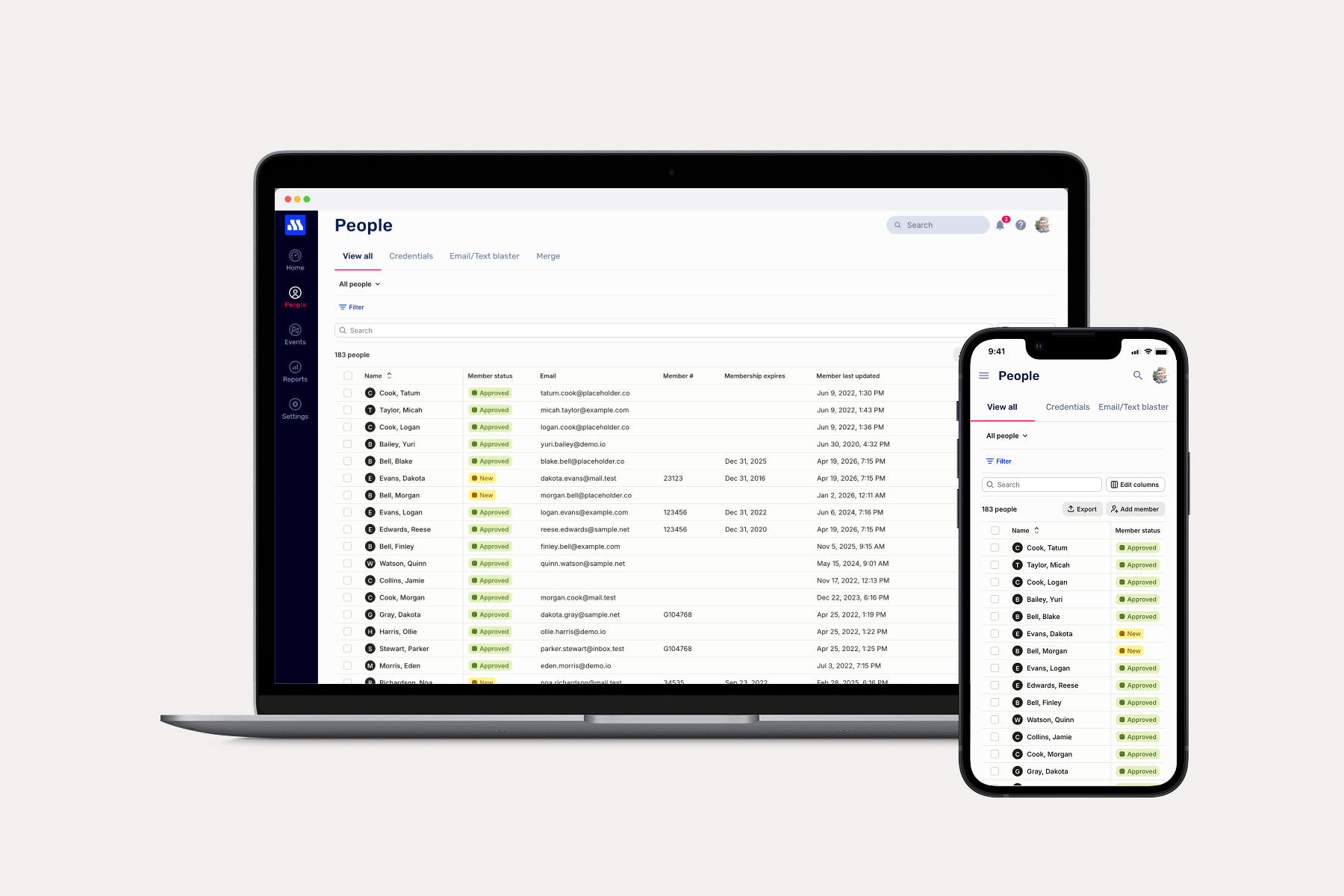
Today we're announcing a major upgrade to the People screen that is faster, more powerful, and easier to use.
What's new
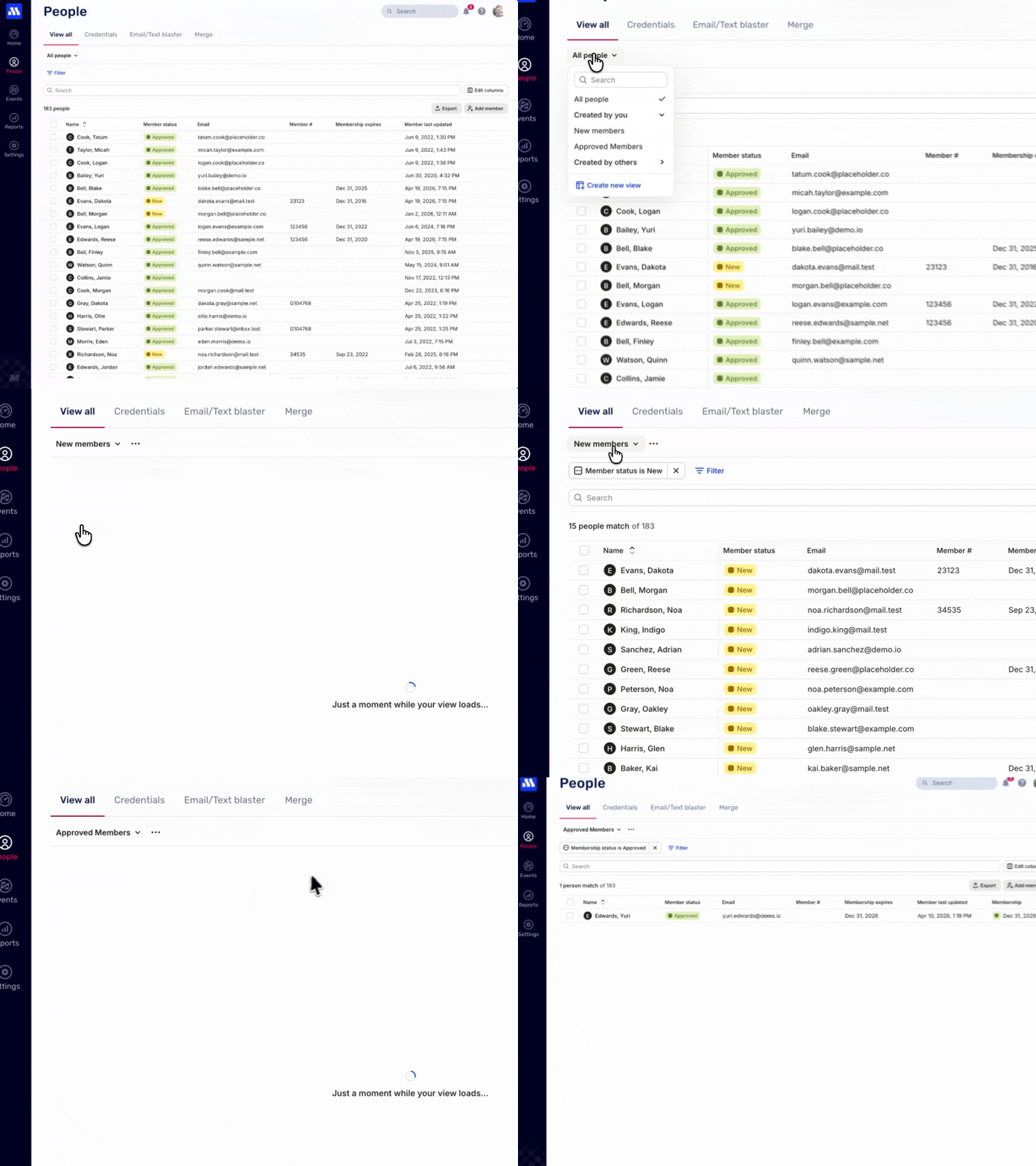
- Create saved columns and filters configurations for virtually any workflow you can imagine with Views without creating Reports.
- Views are now shared by all users in your organization so everyone sees the same data and lists.
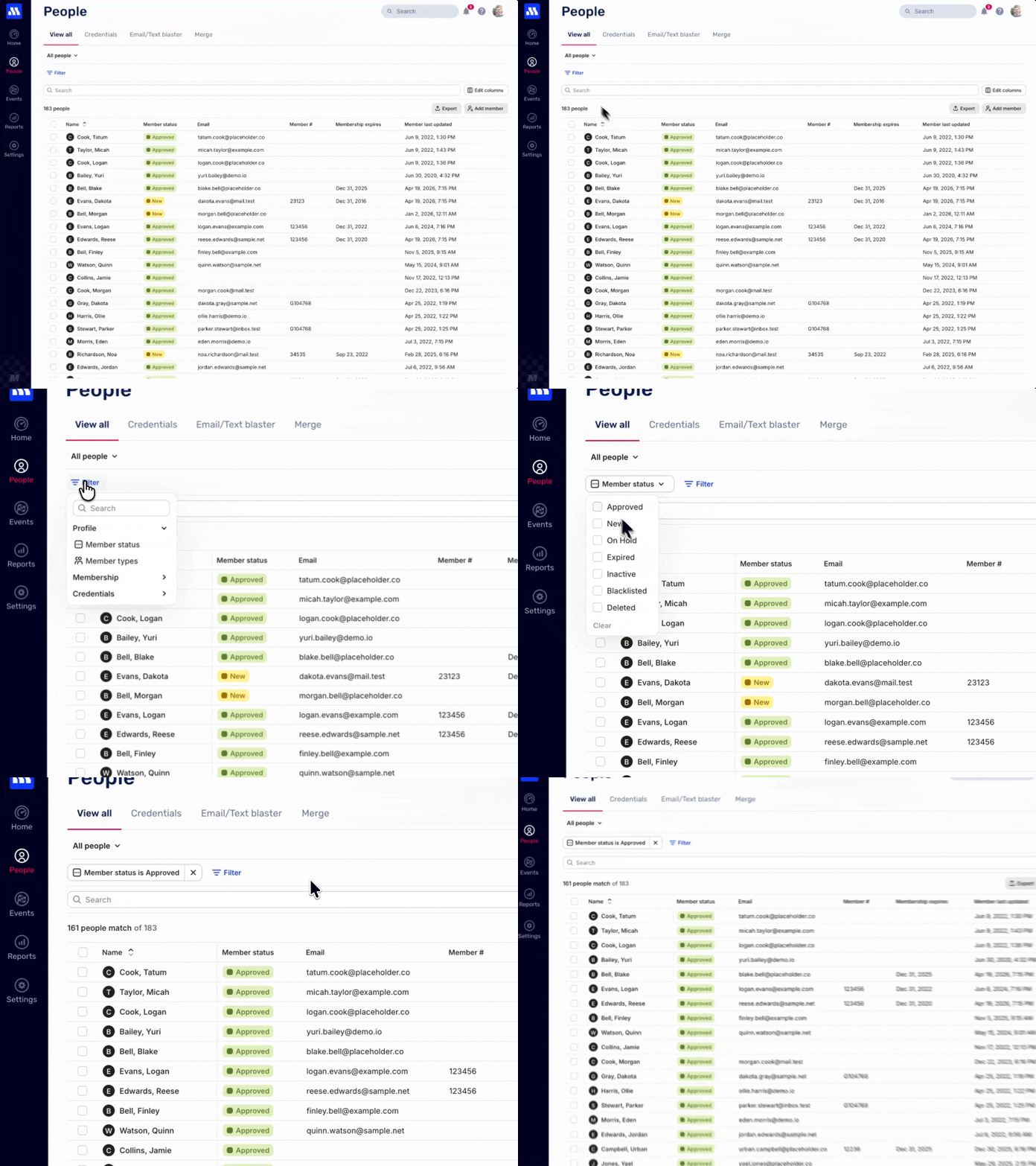
- Filter on more columns and data to create Views that support your workflows.
- View more rows on the screen at a time and no more loading as you scroll.
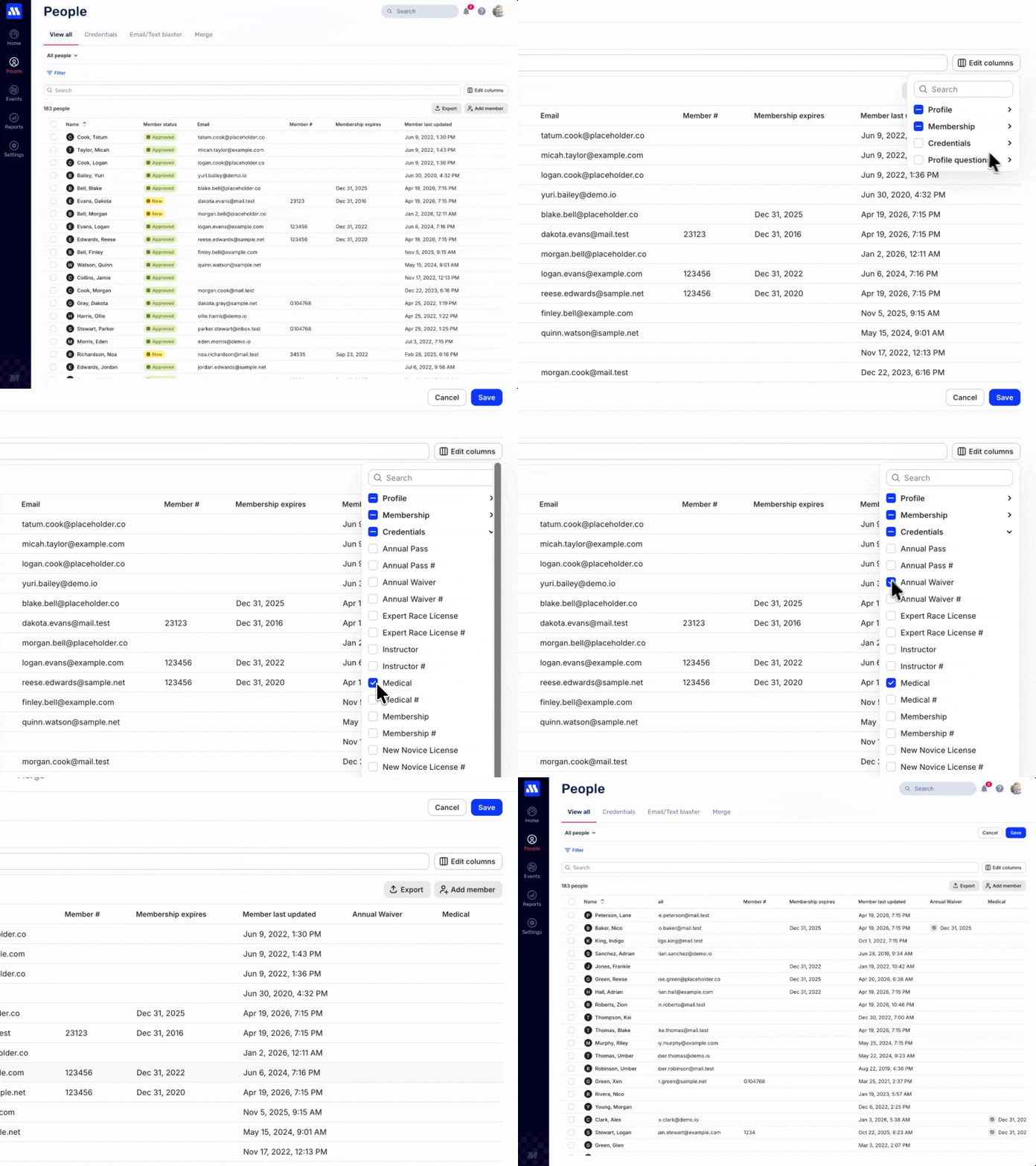
- Credential columns allow you to see who holds valid credentials.
Views
Views are now a central part of how you access and use the People list. Views allow you to create saved versions of your lists with filters and column configurations. With Views you can create lists for things like:
- People who hold a valid membership.
- People who have signed an Annual Waiver.
- People who have not signed an Annual Waiver.
More filter options
The People screen has more filter options to support even more advanced workflows. Combine filters to get just the People you need without having to look at each individual row.
Credential columns
You can now add credential columns to your lists of People. This enables you to get a complete picture of your memberships and licenses and find who may need to join or renew before participating.